Decoding Server Error Codes: What Do Those 3 Digits Mean?
If you surf the web regularly, you've likely encountered those pesky 3-digit codes interrupting your browsing experience. These numbers are known as "Error Messages"—warning signals sent directly from the server.
But have you ever wondered what these numbers and their accompanying messages actually mean? Why are they different, and how should you handle them? Here is a summary of the 5 most common error codes you might encounter.
🤖 1. 401 Unauthorized
The Meaning: This page is "Restricted." You do not have the right to access it until permission is granted.
The Fix: The system requires identity verification. You must enter the correct Username and Password to confirm your identity before gaining access.
🤖 2. 403 Forbidden / Access Denied
The Meaning: You are "Forbidden" from accessing this page. (This is similar to 401, but stricter because the server acknowledges your request but refuses to authorize it).
The Cause: This typically happens when trying to access private data, incorrect file permission settings, or an issue with the website's host configuration.
🤖 3. 404 File Not Found
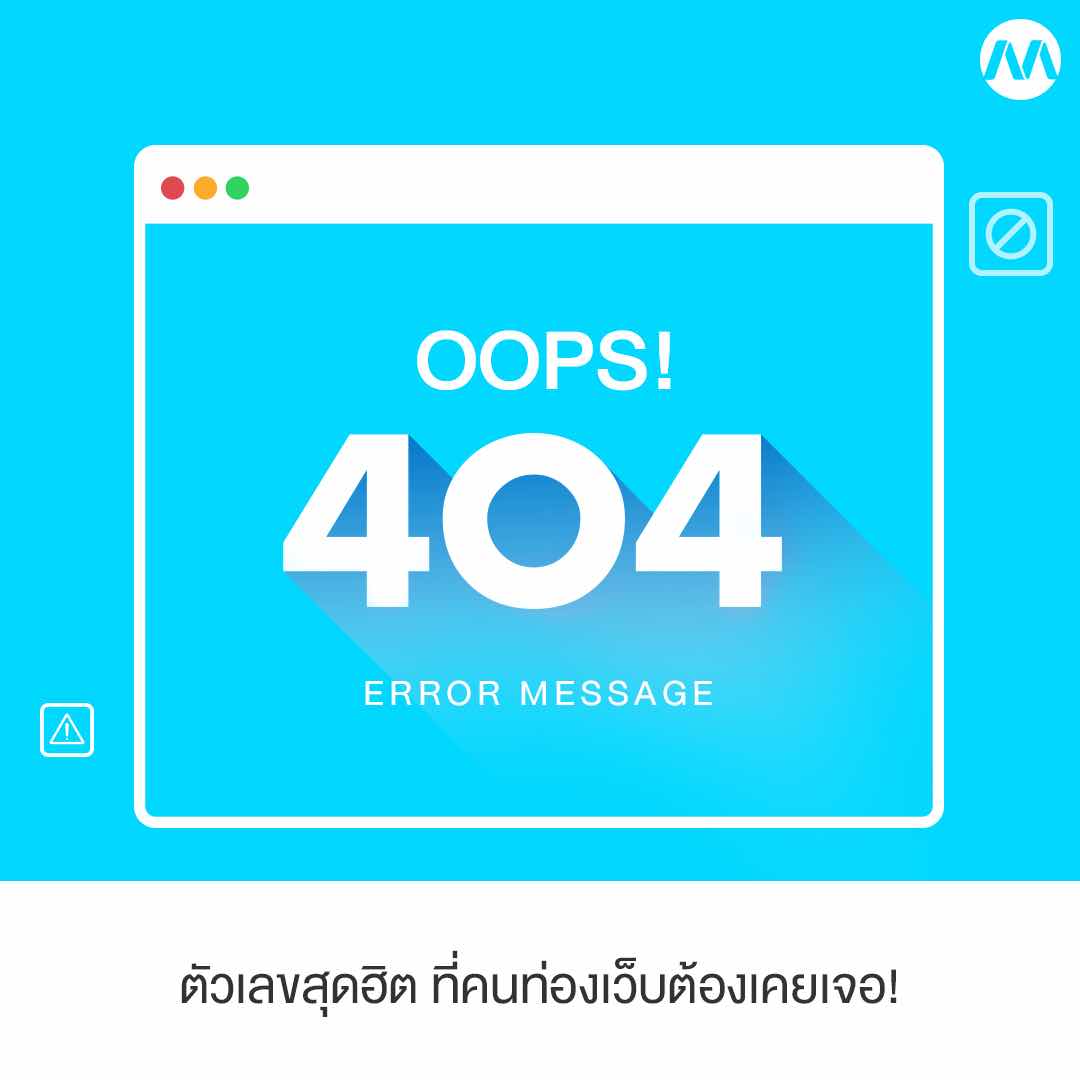
The Meaning: "File Not Found." This is the most famous code of all time. It simply means the system cannot find the file or page you are looking for.
The Cause & Fix: The page may have been deleted, moved, or renamed. The easiest fix is to double-check the URL to ensure there are no typos.
🤖 4. 502 Service Temporarily Overloaded (Bad Gateway)
The Meaning: The server is "Temporarily Overloaded" or there is a communication error between servers.
The Fix: This often occurs when too many users are accessing the site simultaneously, causing a traffic jam. The best solution for a user is to hit Refresh (F5) and wait a moment for the page to reload.
🤖 5. 503 Service Unavailable
The Meaning: The service is currently "Unavailable."
The Cause: This code appears when the server is too busy to handle the request, or the website is currently undergoing scheduled "Maintenance."
💡 Advice for Website Owners:
If you run a website, try to ensure your visitors don't encounter these codes too often. Frequent errors can make your site appear unprofessional and frustrate visitors, potentially causing them to leave and never return. Make sure to monitor your Site Health regularly!